Tips & Tricks
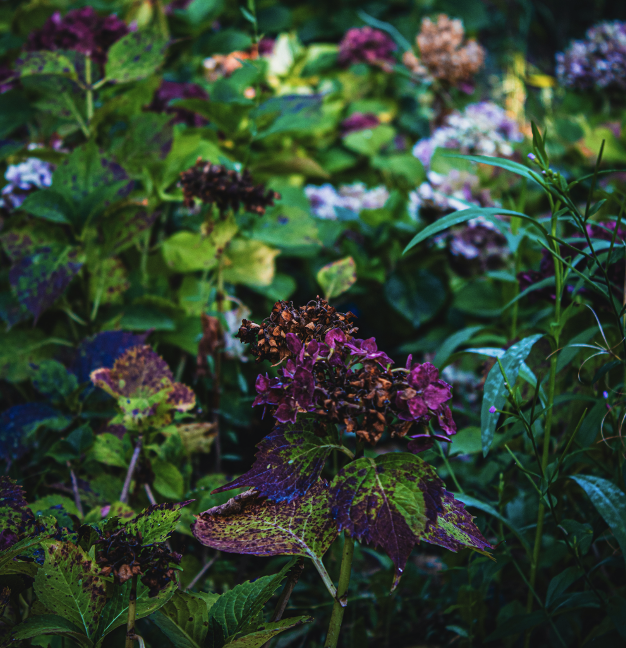
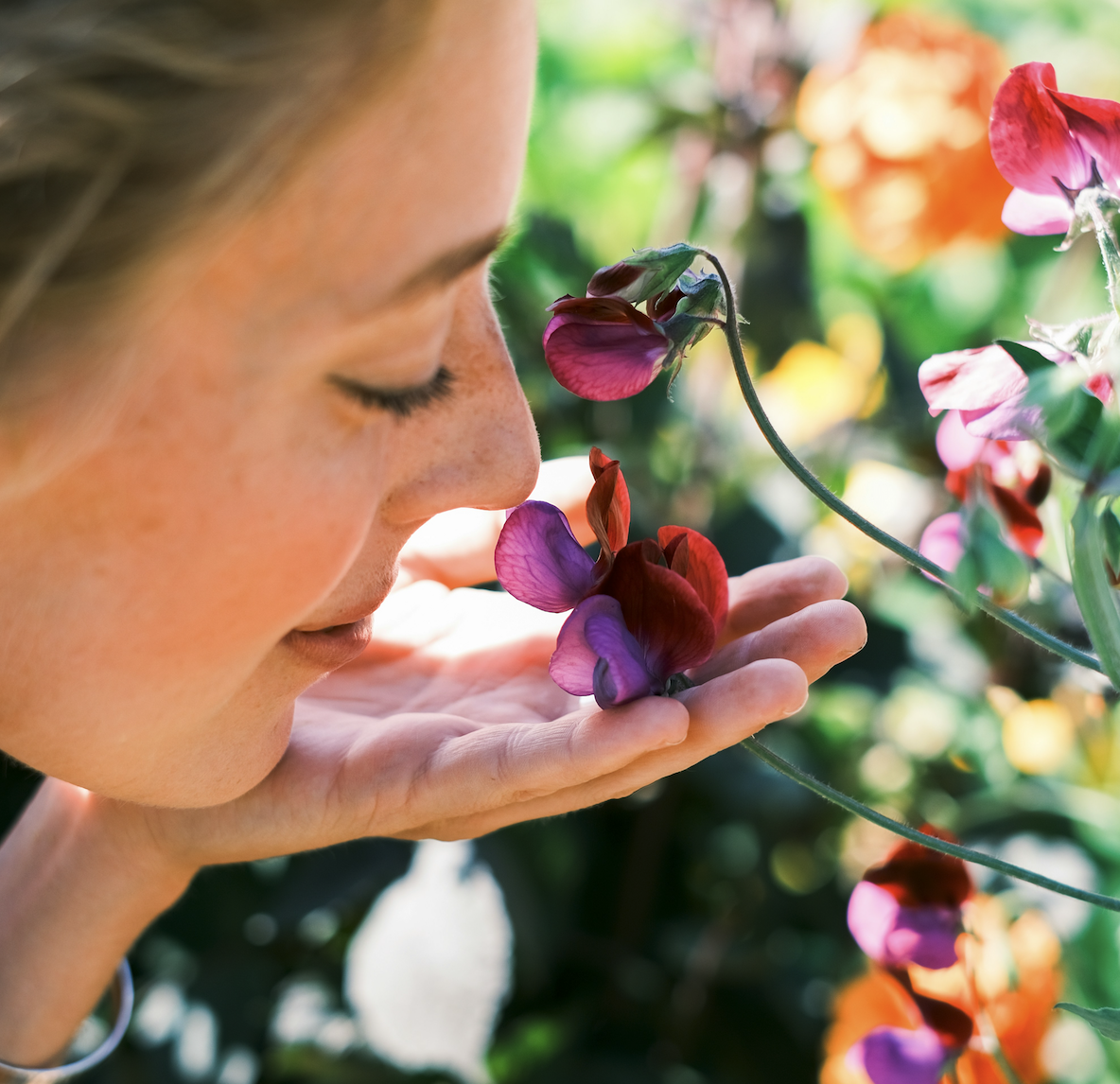
The Greater Des Moines Botanical Garden is a photo hot spot right now. The blooms are beautiful, the weather is cooperating, and it’s the perfect time for senior shots, family photos for holiday cards, or updating your social portraits. We’ve also just added a wonderful new mobile phone holder that will be located in places with the best blooms for the best images!
Beyond a Beautiful Botanical Setting
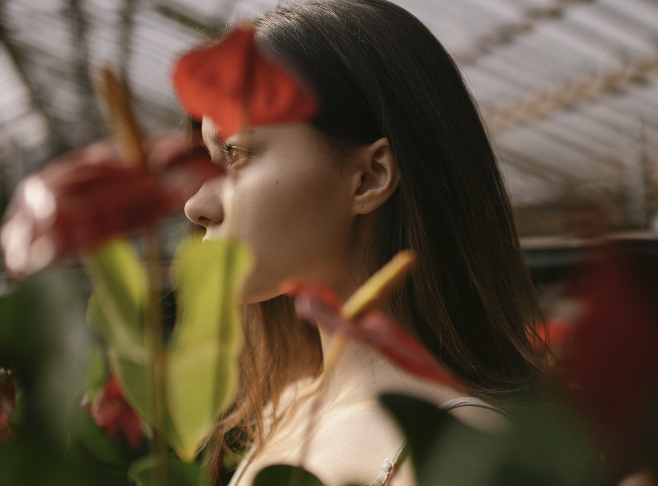
Here are some ways to take a better picture when visiting. Capturing stunning photos at the Botanical Garden with your mobile phone is completely achievable with a bit of strategy and creativity. Here are the best tips:
1. Maximize Natural Light
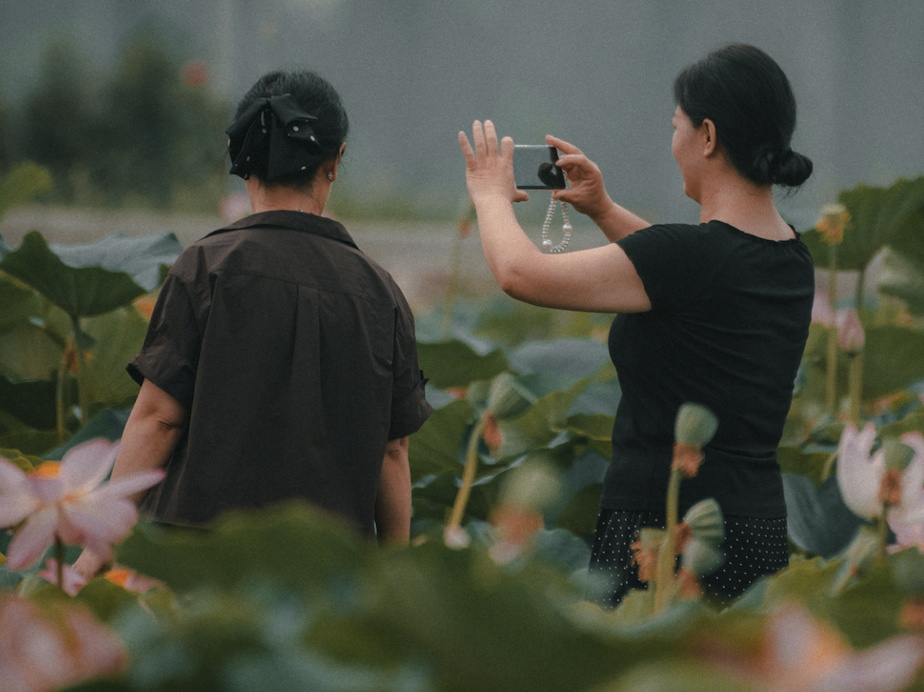
- Use soft, natural light: Early morning or late afternoon gives beautiful, soft lighting. Cloudy days are great since the light is diffused, reducing harsh shadows and enriching colors.
- Avoid flash: Only use your phone’s flash if absolutely necessary, as it usually creates harsh and flat images outdoors.
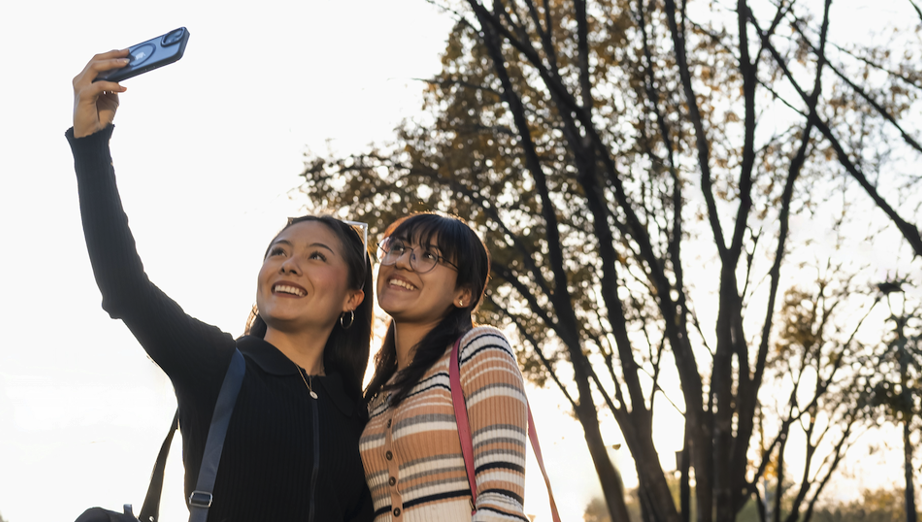
- Face the light: Have your face (for selfies) or your subject (for portraits) positioned towards the light source, not away from it.
2. Composition Techniques
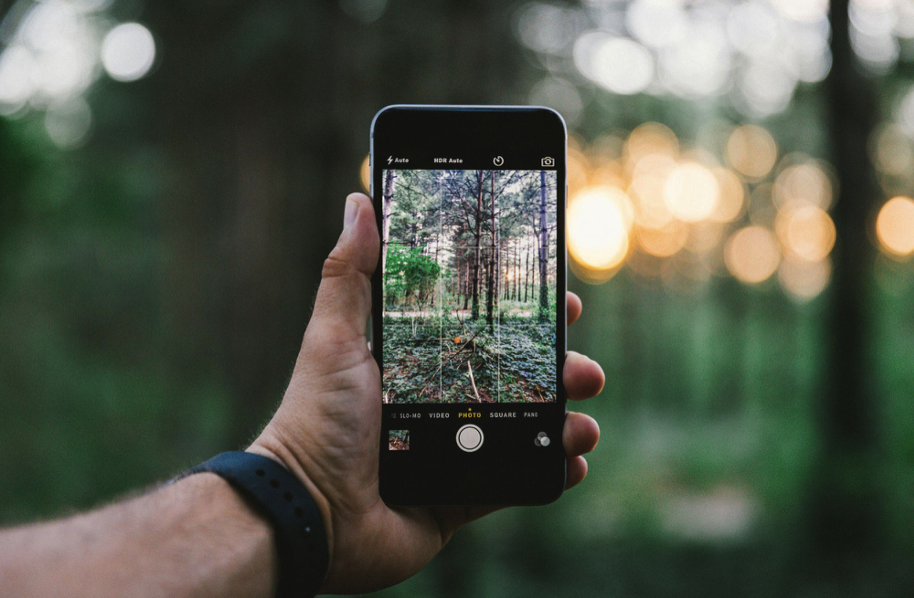
- Rule of thirds: Most phones have a grid feature. Place your subject where the lines intersect, not always in the center, for dynamic and interesting shots.
- Leading lines: Use Garden paths, rows of plants, or fencing to naturally draw the viewer’s eye into the photo.
- Include the scenery: Capture not only yourself but the beauty of the gardens. Experiment with how much background you want for each shot.
3. Phone Settings & Practical Considerations
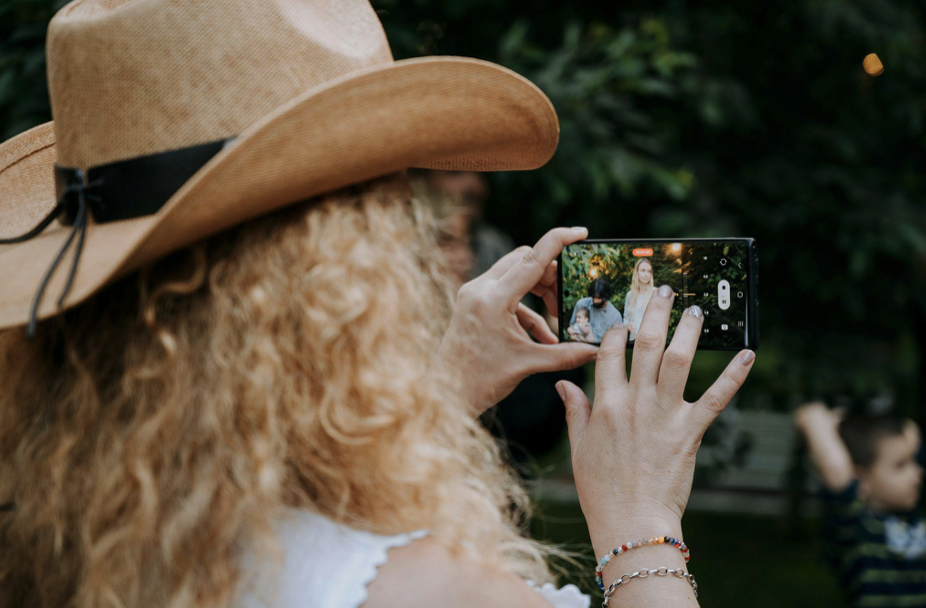
- Don’t zoom – instead, get closer: Move closer to your subject if you want a tighter shot. Digital zoom on phones lowers your image quality. You can crop later for more detail.
- Keep the lens clean: Wipe your camera lens after attaching your phone to the selfie stick to avoid smudges or fingerprints on your photos.
- Use burst mode or a self-timer: Set your camera to take multiple photos in quick succession or with a timer so you don’t have to rush to get in place.
- Explore all device settings: Try panorama for wide vistas, portrait for flower close-ups, and experiment with every feature your camera offers for different looks.
4. Creative Ideas for Botanical Garden Photos
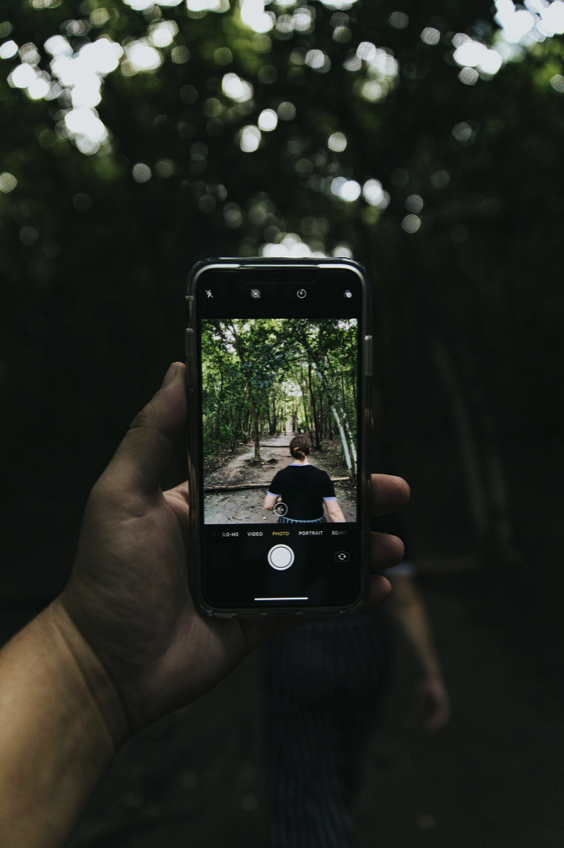
- Tell a story: Mix wide landscapes, medium shots, and close-ups to share the atmosphere and variety of the Garden.
- Include water and structures: Water features, walkways, sculptures, or gazebos add interest and scale to your photos.
- Adjust the focus: Shift between yourself or the setting, depending on the story you want to tell.
Final Tips
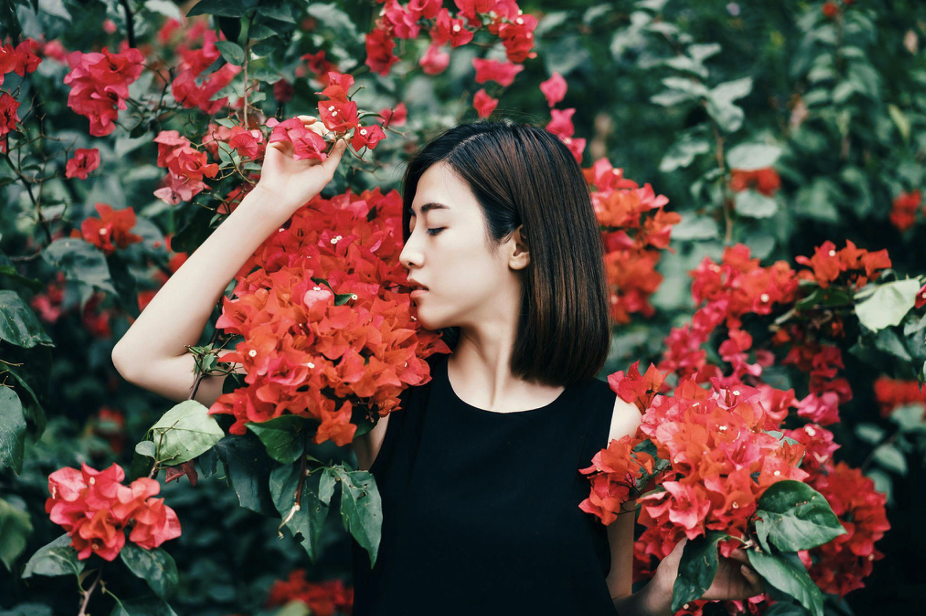
- Check your background: Ensure there’s nothing distracting behind you. Choose uncluttered scenes with vibrant colors or interesting layers.
- Protect the experience: Be mindful of those around you and avoid blocking paths or disturbing plants to get the perfect shot.
With these strategies, your mobile device can create professional-looking, memorable photos every time you visit the Botanical Garden! Looking to do a full-on photo shoot? Make a photo reservation with us here.